WordPress malware removal becomes urgent the moment a site shows a redirect, a Google warning, or a sudden drop in traffic. Every hour online with an infected site costs trust, rankings, and sales. This guide shows how to recognize an infection, what to do first, and how a professional cleanup restores the site and keeps it secure.
Do not delete files at random. For WordPress malware removal, keep a copy, find the entry point, remove malware and backdoors together, then harden the site and ask Google to review it.
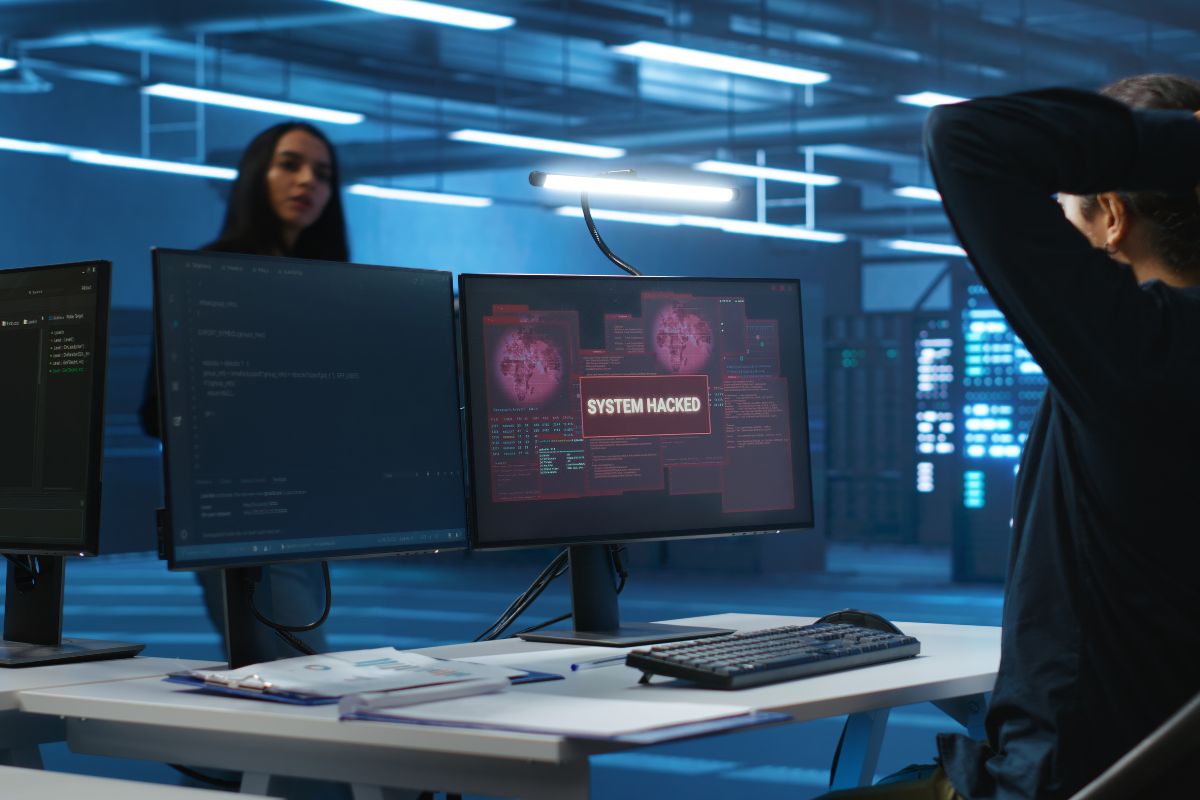
Signs your WordPress site needs malware removal
The common signs are visitors redirected to unfamiliar pages, spam pages in search results (sometimes in other languages such as Japanese), browser or Google warnings, unknown administrator accounts, and hosting suspensions. Google documents how it treats compromised sites in its hacked websites guide.
Acting early matters because an infection spreads to more files, damages search rankings, and can expose customer data. The cost of waiting is almost always higher than the cost of a prompt cleanup.
Emergency WordPress malware removal service: what a cleanup covers
An emergency WordPress malware removal service should be scoped in writing around four connected workstreams, so you know exactly what is done and how it is verified.
Scan and isolate
A full backup copy is taken, then files, database, and users are scanned to map the infection.
Malware and backdoor removal
Malicious scripts, injected code, and hidden backdoors are removed together, not one at a time.
Restore and verify
Core files are restored, content and media are preserved, and the site is retested end to end.
Blacklist and search recovery
Google warnings are resolved and a review is requested through Search Console.
Clean hacked WordPress site fast: the first steps
To clean a hacked WordPress site fast, start by preserving evidence. Take a full backup of the infected state before changing anything, because it shows how the attacker got in and protects your content if a step goes wrong.
Next, secure access: change passwords from a clean device, and review every administrator and FTP account. Then bring in a specialist, because removing visible malware while a backdoor stays in place only leads to reinfection.
- Take a backup copy of the infected site and database.
- Change passwords for WordPress, hosting, FTP, and the database.
- Follow the official WordPress hardening guide once the site is clean.
WordPress security cleanup expert: hardening after malware removal
A WordPress security cleanup expert looks for the cause, not only the symptom. Typical entry points are outdated plugins or themes, nulled (pirated) themes, weak or reused credentials, and unprotected admin areas.
Once the cause is closed, hardening reduces the chance of a repeat after WordPress malware removal: updates, least-privilege roles, two-factor sign-in, and a web application firewall in front of the site.
- Cloudflare and WAF rules to filter malicious traffic before it reaches the server.
- Two-factor sign-in and tighter user roles for every administrator.
- Scheduled backups and monitoring so a new problem is seen early.
Professional WordPress hack repair: restoring rankings and trust
Professional WordPress hack repair does not end when WordPress malware removal is complete. The search and trust side of the site needs its own recovery:
- Remove spam URLs and injected pages from the site and the index.
- Check Search Console for security issues and manual actions.
- Request a review once the site is verified clean.
- Resubmit the sitemap and watch crawl and ranking data.
- Keep monitoring for a period after recovery.
Security is part of the wider digital system, which is why security and infrastructure sits next to engineering and growth in the same practice.
WordPress malware removal agency: how to evaluate a provider
When comparing a WordPress malware removal agency, look for clarity rather than claims: a written scope, a clear account of what is cleaned and verified, root-cause analysis, hardening included in the work, and direct senior involvement instead of a hand-off chain.
That is the working model at ADTYAA: scope in writing before work begins, priority handling for emergencies, and ongoing maintenance available afterwards. See the approach for how an engagement runs.
Is your WordPress site hacked right now?
Send your website address and a short description of what you see. Emergency cases are handled as priority requests, you receive a written scope before work begins, and every enquiry is answered within 24 hours.
Frequently asked questions
Can malware be removed without losing my content?
Yes. A full backup is taken first, and the cleanup targets malicious code while posts, pages, media, and the database content are preserved.
My site is flagged by Google. Can that be fixed?
Yes. Once the site is clean, the issue is resolved in Search Console and a review is requested. Timing depends on Google's review.
Will the site be hacked again after the cleanup?
The work includes finding the entry point and hardening the site, which lowers the risk of reinfection. Monitoring and maintenance can be added after delivery.
What do you need to get started?
Your website address and a short description of what you see. Access details are shared securely once we agree to work together. International clients are served remotely in English.